Animating Wildlife Adventures: Deer Models in Outdoor VR
Introduction
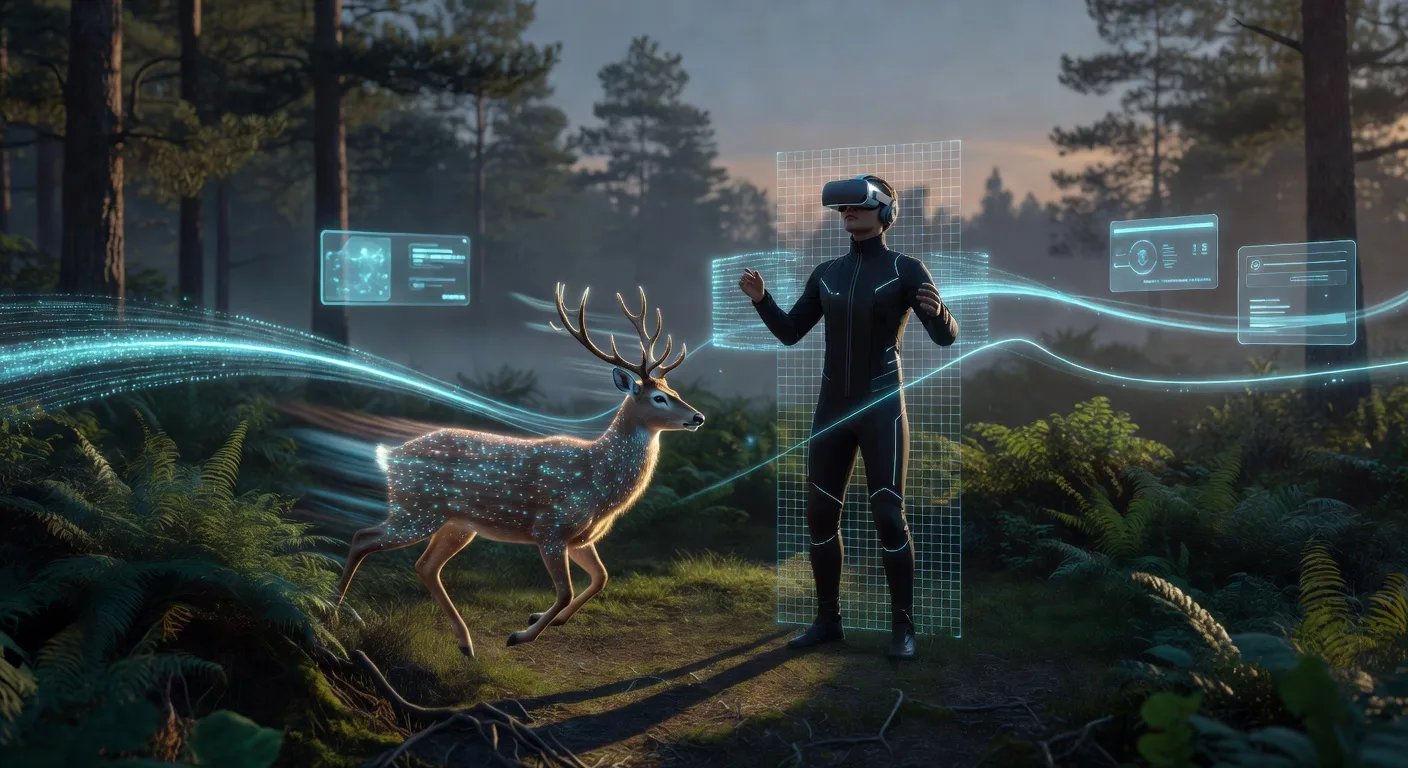
Imagine stepping into a lush forest where a graceful deer bounds through the underbrush, its movements so lifelike that you forget you're in a virtual world. For small business owners venturing into outdoor VR experiences, animating wildlife like deer opens doors to captivating adventures. This guide explores how the Animated Deer 3D Model can transform your nature simulations, making storytelling more engaging and your brand stand out in 2026.
The Power of Deer Models in VR Storytelling
Deer models bring authenticity to virtual wilderness. In outdoor VR, these assets simulate real animal behaviors, from cautious grazing to swift dashes, enhancing immersion. Entrepreneurs can use them to craft eco-tourism apps or educational VR tours, where users learn about wildlife without leaving home. By integrating such models, you create emotionally resonant experiences that boost user retention and brand loyalty.
Building Realistic Outdoor Scenes
Start by selecting software like Blender or Unity for your VR pipeline. Import the Animated Deer 3D Model into your scene, ensuring it blends with terrain and foliage. Adjust lighting and textures to mimic natural sunlight, using AI plugins for procedural generation of forests. This setup not only speeds up production but also allows for scalable scenes, ideal for small teams testing prototypes.
💡 Looking for professional 3D Product Animation services? Check out our Fiverr gig to get started today!
Enhancing Animation for Immersive Adventures
Animation is key to lifelike VR. Rig the deer model with bone structures for fluid movements, then apply physics for realistic interactions, like reacting to virtual rain. Incorporate AI workflows to automate pathfinding, letting the deer roam autonomously in your simulations. For ecommerce, this means showcasing products in dynamic, story-driven environments, where a deer might lead users on a branded trail.
Workflow Tips for Small Businesses
Streamline your process with modular assets. Use version control in tools like Git for team collaboration, and export animations as GLTF for web-based VR. Test on devices like Oculus Quest to ensure performance, iterating based on user feedback. This approach minimizes costs while maximizing creativity, turning VR into a profitable storytelling tool.
Quick Checklist
- Select VR software like Unity or Unreal Engine for your project base.
- Download and integrate the Animated Deer 3D Model into your scene.
- Set up environmental elements such as trees and paths for context.
- Animate deer behaviors using rigging and physics simulations.
- Incorporate AI tools for procedural animation and interactivity.
- Optimize for VR performance, testing frame rates on target devices.
- Add narrative elements like sound effects or user triggers for immersion.
- Review and iterate based on playtesting feedback.
Featured Assets
These published 3D assets connect directly to the workflow ideas covered in this article:
- Animated Deer 3D Model - A realistic and fully animated deer 3D model designed for wildlife scenes, nature environments, and real-time applications. This model captures the natural eleg
Frequently Asked Questions
What makes the Animated Deer 3D Model ideal for VR?
This model features fully rigged animations and high-resolution textures, ensuring smooth performance in real-time VR environments. It's designed for nature scenes, allowing seamless integration without heavy rendering demands.
How can I use deer animations in ecommerce?
Pair them with product placements in VR tours, like a deer guiding users to outdoor gear. This creates interactive storytelling that highlights your brand's commitment to nature, driving sales through memorable experiences.
Are there AI tools to enhance these workflows?
Yes, plugins like Adobe Sensei or custom scripts in Unity can automate animation loops, reducing manual effort. They help generate varied deer behaviors, making your VR adventures more dynamic and efficient.
What software do I need for outdoor VR setups?
Begin with free tools like Blender for modeling, then move to Unity for VR integration. For advanced features, explore 3D modeling services to customize assets quickly.
How do I ensure my VR experiences are accessible?
Focus on intuitive controls and audio cues. Test with diverse users to refine interactions, ensuring your wildlife adventures appeal to a broad audience without technical barriers.
Conclusion
Animating wildlife adventures with deer models in outdoor VR isn't just about tech—it's about crafting stories that connect people to nature. By leveraging tools like the Animated Deer 3D Model and exploring 3D product animation services, small businesses can innovate boldly. Ready to dive in? Start your VR project today and watch your brand's immersive narratives take flight.
Ready to Get Started?
If you're looking for professional 3D Product Animation services, I'm here to help! Visit my Fiverr profile to see my portfolio and place an order.
Turn this workflow into real deliverables
Browse production-ready 3D assets for your next project, then step into 3d modeling if you need a custom build.