AI Design Platforms 2026: An Enterprise Scorecard Guide
Introduction
Marketing leaders do not buy design software the way hobbyists do. In 2026, the question is no longer which tool feels most creative, but which platform can scale branded content safely, integrate with identity systems, and pass a CISO’s sniff test. The right AI powered design stack can compress campaign timelines, but only if procurement asks the right questions.
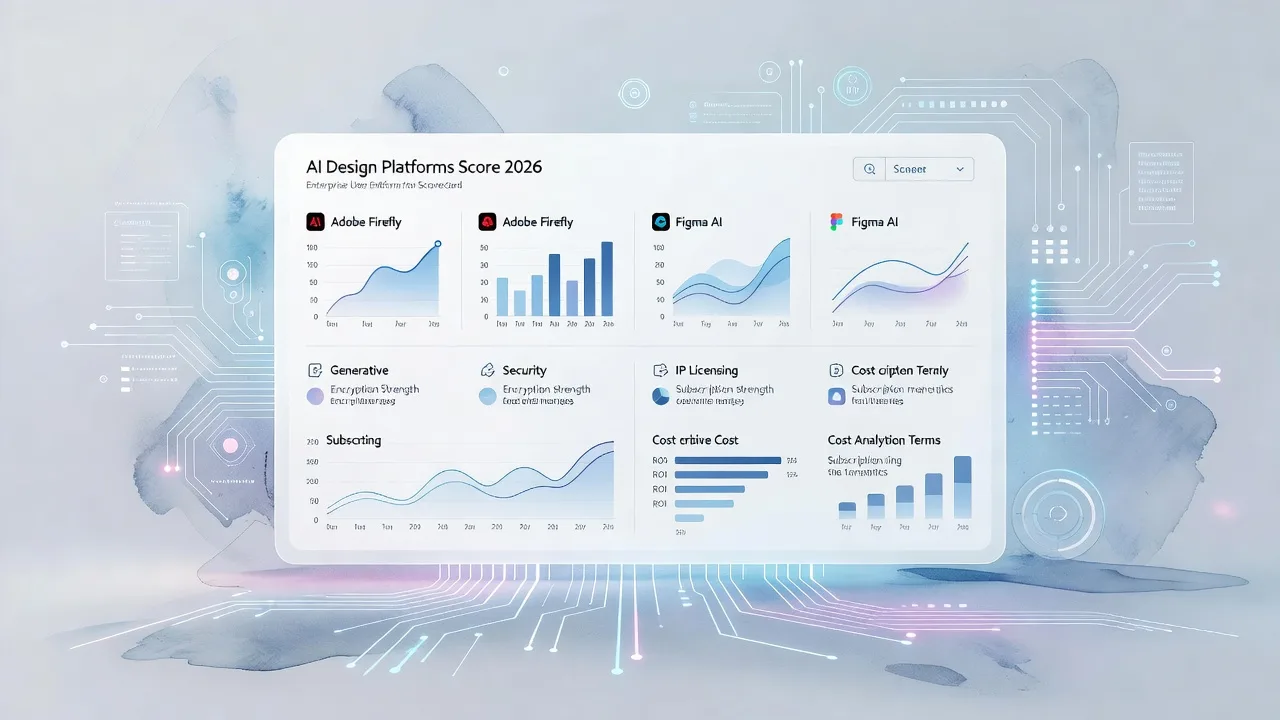
This editorial scorecard distills what matters now. It combines practical feature comparisons for Adobe Firefly and Figma AI with a procurement lens grounded in current enterprise expectations: defensible privacy models, clear IP posture, reliable auditability, and predictable total cost of ownership. Use it as a checklist and a conversation starter with vendors and your security team.
What Enterprise Buyers Prioritize in 2026
Enterprise procurement for AI software looks different from consumer reviews. A 2026 perspective emphasizes verifiable controls, not demo flair.
- Security attestations and controls. Buyers commonly ask for SOC 2 Type II, strong SSO, and rapid deprovisioning. They also probe whether prompts and generated content are excluded from training. This is about risk posture, not hype.
- AI governance and privacy. A robust AI privacy policy should state how prompts are stored, whether automated decision making affects users, and who owns AI generated output. You want specifics on retention, access, and opt outs.
- IP protection and indemnification. Marketing teams need confidence that assets built with AI will not invite claims. Indemnification terms and documentation of human oversight matter in modern IP practice.
- Audit readiness. Audit logs, evidence of policy enforcement, and clear DPAs make procurement decisions defendable across legal, security, and finance.
- Fit for the marketing workflow. Integrations, brand guardrails, and content provenance reduce rework and simplify approvals, especially across distributed teams.
The shift is as much cultural as technical. Policies like those now common in universities and large enterprises formalize a simple rule: use enterprise grade AI, not personal accounts, when handling institutional data.
Platform Snapshots: Adobe Firefly and Figma AI
This section focuses on how two leading ecosystems align to enterprise needs. It highlights features and postures that matter to marketing and brand teams.
Adobe Firefly Enterprise: Creative Cloud scale with guardrails
Adobe Firefly is embedded across Creative Cloud and emphasizes commercially safe outputs. For teams already in Photoshop and Illustrator, this tight integration is decisive. Key capabilities include text to image, Generative Fill and Expand, and vector aware effects and recoloring. Content Credentials attach provenance metadata, improving transparency across the asset lifecycle.
For enterprise programs, Firefly supports custom models trained on proprietary brand assets. Organizations can enforce design rules, validate outputs against brand guidelines, and apply content provenance consistently across apps. This underpins brand governance at scale.
On risk and legal posture, Adobe publicly describes commercially safe outputs and an enterprise indemnification program available under specific terms, conditions, and exclusions. As always, legal teams should review the exact entitlement and definitions of covered claims.
From a budgeting standpoint, Firefly capabilities are included in many Creative Cloud plans, which can simplify licensing. A common pattern is to align Firefly entitlements with existing design seats, then expand to non designer users via lighter weight apps as needs grow.
Figma AI: Assistive product design with enterprise identity
Figma has become the center of product and interface design. In 2026, Figma AI strengthens this position with in file generation and editing, semantic search, and prompt to app scaffolding via Figma Make. The focus is assistive creation inside the design surface rather than standalone text to image.
Figma’s pricing tiers include AI credits. Official materials list monthly AI credits by seat type on Enterprise: thousands for Full seats and hundreds for Dev and Collaborator seats. A 2026 pricing guide cites Enterprise seat rates per month billed annually for these roles, reinforcing the need to model seat mix rather than a single blended price.
Operationally, Figma Enterprise supports SSO and SCIM with major identity providers like Okta, Azure AD, and Google Workspace. Automated provisioning and swift revocation bring design access in line with broader corporate identity governance.
Where they differ for marketing teams
- Asset governance. Firefly’s custom models and brand rule enforcement lean into campaign and brand workflows. Figma’s strengths show up in product and interface design, where assistive layout and component discovery accelerate shipping features.
- Provenance and approvals. Content Credentials across Adobe apps add a visible trail that helps reviewers and agencies. Figma’s collaboration shines during iterative product work, but provenance features are more emergent for downstream brand operations.
- AI credit economics. Figma’s seat based credit allocations make planning predictable for interface heavy teams. Adobe’s inclusion across Creative Cloud can be cost effective for organizations already standardized on those apps.
A note on Canva and peers
For marketing teams exploring alternatives, Canva’s AI features compete on speed and accessibility. However, enterprise integration depth and governance remain the main separation points versus tools embedded in established creative suites. When brand risk is high, buyers tend to value platforms with proven enterprise controls and content provenance coverage.
A Procurement Scorecard You Can Defend
Use a structured, weighted framework to compare vendors. A well known 100 point approach weighs multiple security and AI risk domains and generates audit ready documentation for selection decisions.
Below is a practical scoring model you can adapt with legal and security counterparts. Adjust weights to fit your risk appetite, industry, and regulatory environment.
Domain 1: Security and Identity
- SSO support and tested integrations with your identity provider
- SCIM provisioning and deprovisioning speed aligned to HR changes
- SOC 2 Type II report currency and scope
- Data encryption practices and key management descriptions
Domain 2: Privacy and AI data handling
- Clear statement on how prompts, outputs, and telemetry are used
- Opt out options for training and model improvement
- Data retention defaults and configurable policies
- Region specific data residency options where required
Domain 3: IP and legal posture
- Indemnification terms for AI generated outputs, with explicit exclusions
- Ownership and licensing of outputs under enterprise terms
- Documentation guidance for human oversight and edit logs
- Business associate agreements where applicable
Domain 4: Model transparency and content provenance
- Presence of content provenance signals across tools
- Ability to trace prompts and edits associated with a final asset
- Controls to enforce brand guidelines pre publication
- Clear restrictions on using outputs to train unrelated models
Domain 5: Enterprise operations and reliability
- SLA definitions and uptime targets
- Audit logs accessible to administrators
- Support tiers and response times
- Roadmap transparency and deprecation policy
Score each criterion with evidence links. Keep a one page summary that consolidates findings for executives and procurement committees.
Modeling TCO and AI Credit Usage
The biggest budgeting miss in 2026 is underestimating AI usage and overestimating concurrency. Seat mix, credit allocation, and integration time determine the total cost of ownership more than list price alone.
Consider three levers:
- Seat mix. For Figma, different Enterprise seat types carry different rates and AI credits. Model Full, Dev, and Collaborator seats separately. For Adobe, consider the proportion of power users in Photoshop and Illustrator versus lighter weight apps.
- Credit policy. Figma allocates monthly credits by seat type. Some teams smooth usage by pooling credits across a department, while others isolate workloads. In Adobe’s ecosystem, limits vary by plan, so map creative peaks, not just averages.
- Integration time. Identity integration, DLP configurations, and content provenance setup consume real hours. Budget internal time and vendor support to avoid launch delays.
A simple planning snippet can clarify assumptions:
Inputs:
- N_full, N_dev, N_collab: enterprise seat counts by role
- C_full, C_dev, C_collab: monthly price per seat
- A_full, A_dev, A_collab: monthly AI credits per seat
- U_avg: expected monthly credits used per active creator
- R: ratio of active creators to licensed seats
- I: one time integration hours * blended hourly cost
- S: support plan cost per year

Outputs:
- Annual license cost = 12 * (N_full*C_full + N_dev*C_dev + N_collab*C_collab)
- Annual credit demand = 12 * (R*(N_full+N_dev+N_collab) * U_avg)
- Annual credit supply = 12 * (N_full*A_full + N_dev*A_dev + N_collab*A_collab)
- Overages or headroom = supply - demand
- Year 1 TCO = license + I + S ± overage adjustments
Plug in current list prices and published credit allocations. Stress test peaks around launches and seasonal campaigns, not just steady state. This avoids mid year overage surprises.
How to Run the RFP in 30 Days
You can compress evaluation without cutting corners by front loading evidence gathering and aligning teams early.
- Week 1: Define scope and must haves. Confirm identity provider details, retention requirements, and content provenance expectations. Agree on a five domain scoring rubric.
- Week 2: Issue a short RFP with the rubric. Require written answers on training data, credit policies, and indemnification language. Ask for example DPAs and current attestations.
- Week 3: Hands on trials with a pilot use case. For Adobe, test Generative Fill on a real campaign with Content Credentials enabled. For Figma, trial AI search and prompt to app on a high traffic flow. Track credit burn.
- Week 4: Consolidate scores and risks. Hold a joint review with brand, security, and legal. Capture decisions, gaps, and mitigations in a final memo.
This process yields a defensible decision record and a realistic adoption plan.
Quick Checklist
- Confirm SSO and SCIM with your identity provider and test deprovisioning
- Validate prompt, output, and telemetry handling in the vendor privacy policy
- Review indemnification terms for AI generated content with legal
- Enable content provenance and verify metadata travels across apps
- Model seat mix, monthly credit supply, and peak demand scenarios
- Pilot against a real campaign and record edit logs for IP documentation
- Capture SOC 2 Type II and DPA versions in the procurement file
- Align usage policies to enterprise AI guidelines before rollout
Frequently Asked Questions
Are AI generated assets safe to use in paid marketing?
They can be, but safety depends on vendor posture and your governance. Look for commercially safe output claims, indemnification options, and provenance features. Document human review and edits to strengthen your IP position and reduce risk.
How should we budget for AI credit usage?
Start with seat mix and published credit allocations. Estimate active creator ratios and credit burn per creator per month, then run peak scenarios. Monitor during pilots to refine assumptions before signing an annual contract.
Do we need enterprise identity integration from day one?
Yes for most organizations. SSO and SCIM reduce shadow access, speed onboarding, and make audits easier. Align launch with identity integration to avoid manual account wrangling later.
What is the role of content provenance in approvals?
Provenance tags help reviewers see where an asset originated, what edits were made, and whether AI was involved. This shortens review cycles, supports compliance, and improves trust with external partners.
How do Figma AI and Adobe Firefly compare for brand teams?
Firefly’s strengths are deep Creative Cloud integration, brand guardrails, and provenance. Figma AI excels at assistive product design inside the canvas with enterprise identity alignment. Many teams use both, choosing the right tool by deliverable.
Final Thoughts
In practice, the winner is the platform that fits your workflow and controls risk without slowing creation. If your core deliverables live inside Creative Cloud, Firefly’s brand governance features and provenance signals are compelling. If your velocity hinges on interface design and cross functional review, Figma AI’s assistive workflows and identity integration can move the needle.
The bigger picture is that procurement discipline now defines creative velocity. Clear answers on privacy, training data, and indemnification matter as much as a great demo. A light but firm governance spine lets marketing scale AI safely while preserving brand trust.
What this suggests for 2026 is simple: buy for the work you must deliver, not the flashiest model. Score vendors on evidence, pilot with real campaigns, and price for peak usage. The teams that operationalize these basics will turn AI from a curiosity into reliable, defensible advantage.
Sources
- Canva Magic Write vs Adobe Firefly vs Figma AI – A Complete Guide for Marketing Leaders in 2026
- 12 Best AI Design Tools in 2026 (Tested & Compared) - Krumzi
- The 12 Best AI Tools for Graphic Designers in 2026 (Tested)
- AI Vendor Evaluation Template & Scorecard (2026), Free Download | Aona AI
- Digital Transformation RFP Template & Vendor Scoring Matrix (AI-Focused)
- Enterprise AI Presentation Tools Compared (2026): SSO, SOC 2, Audit Logs | 2Slides Blog
- Generative AI General Policy - Policies and Policy Governance
- 15 AI Privacy Policy Examples (2026) | ChatGPT, Gemini, Claude & More
- AI and Modern IP Law | Metida
- Adobe Firefly Enterprise Solutions | Generative AI for Content Creation
- Adobe Firefly | Comprehensive & Commercially Safe AI Content Creation for Businesses
- Content Credentials overview
Ready to Get Started?
Explore production-ready 3D models for your next project. Browse the 3D model catalog to download assets you can use right away.
Turn this workflow into real deliverables
Browse production-ready 3D models for your next project, then step into 3d modeling if you need a custom build.